 SnapAccruals
Bonus accrual · Private preview
The rule and the result.
In the same workspace.
Move from configured bonus assumptions to employee detail, exceptions, and a draft journal for review.
How the monthly calculation works
Annual salary × bonus target % ÷ 12 × accrual rate % × eligible days ÷ period days
The accrual rate is a separate multiplier: 100% means the full monthly target. Eligibility and leave assumptions must match your company’s plan.
Configure your rules
Make the rate, eligibility basis, and exclusions explicit before the period begins.
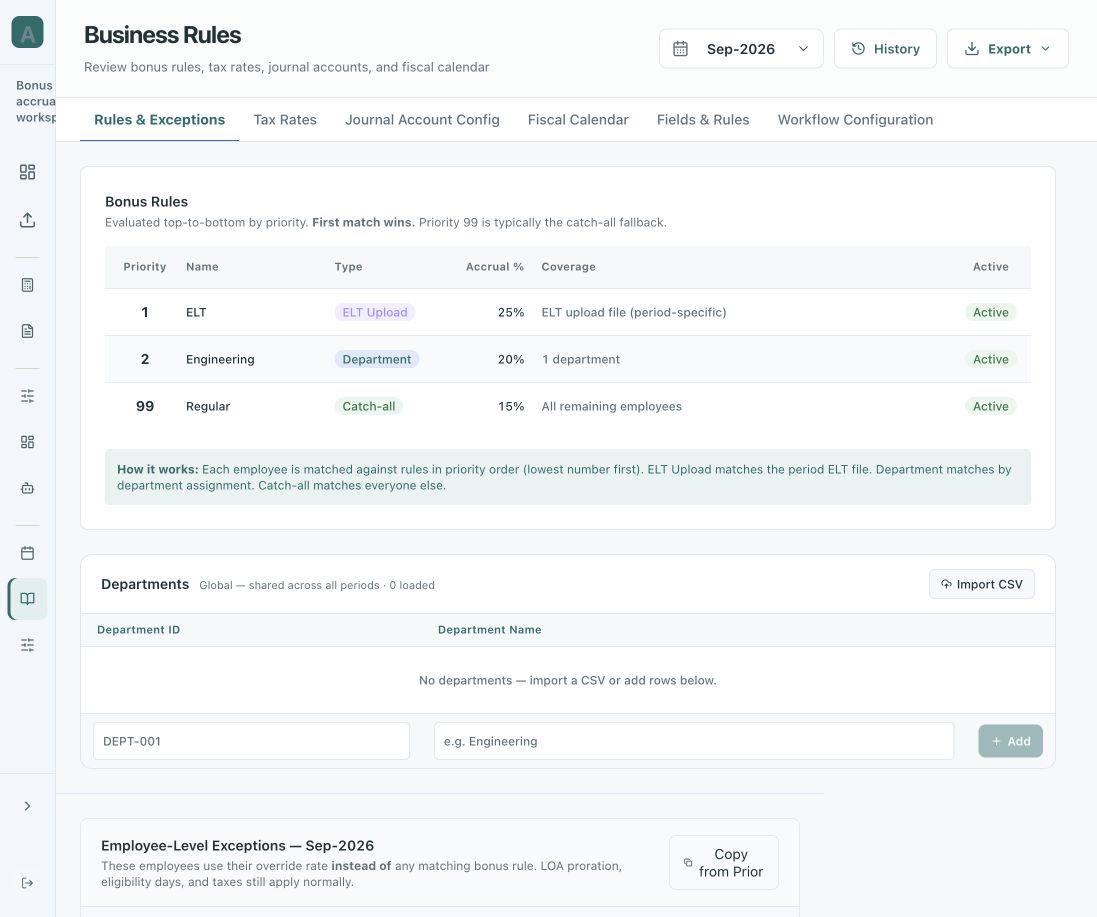
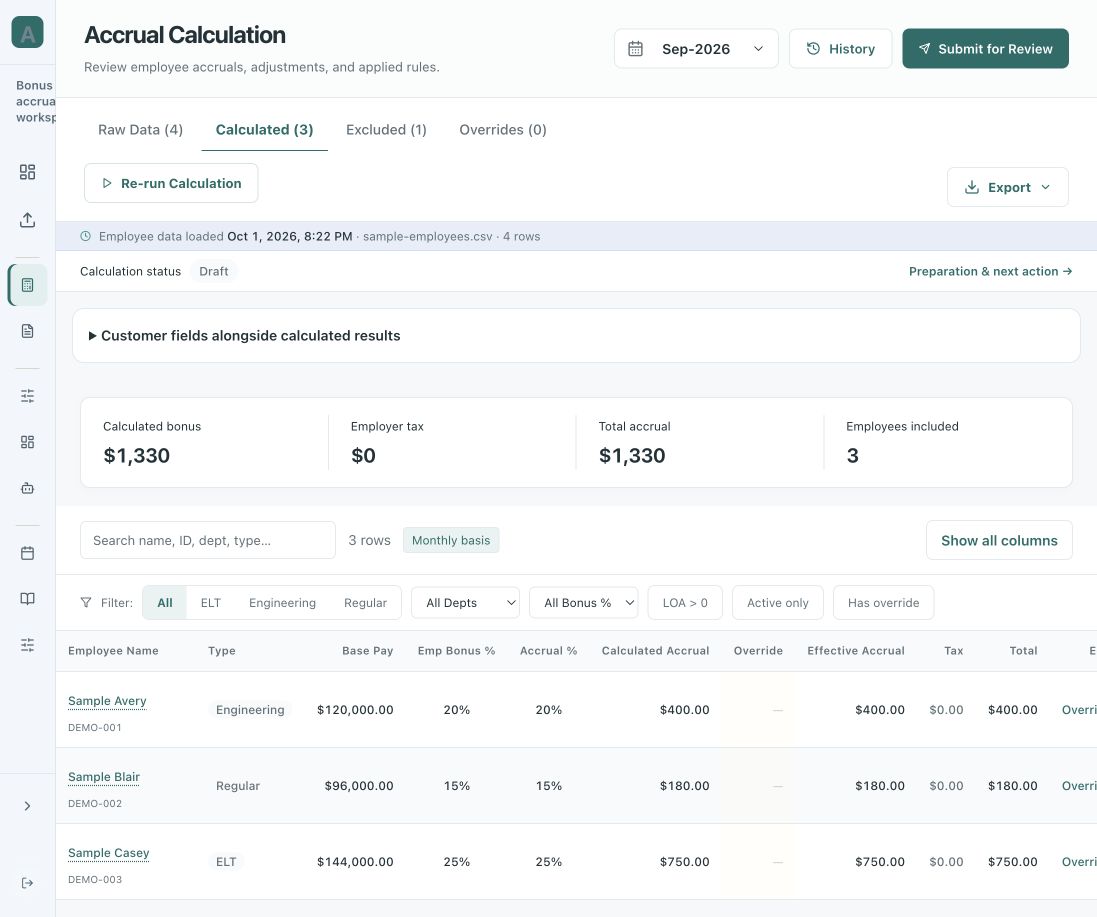
Prepare the calculation
Run the configured calculation and inspect employee-level amounts and assumptions.
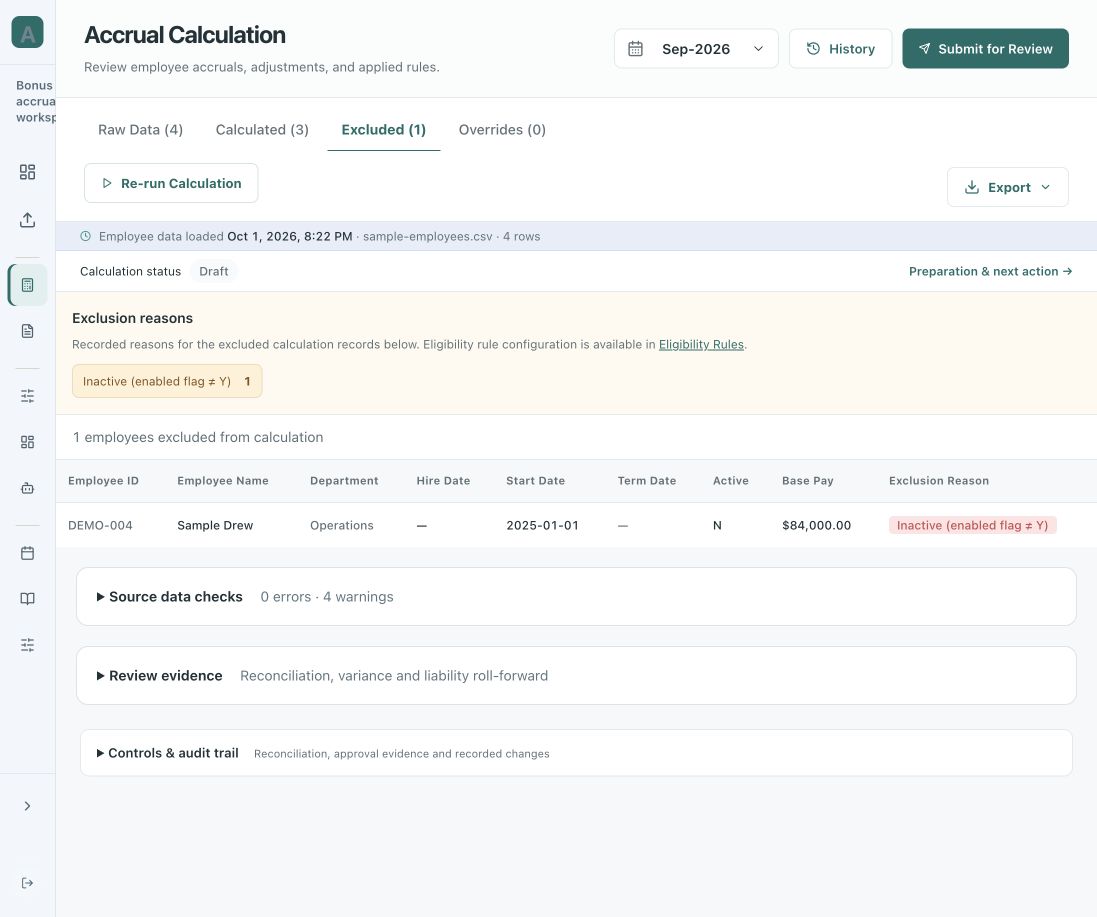
Review exceptions
Separate eligibility exclusions from data-quality issues. Resolve questions before advancing the run.
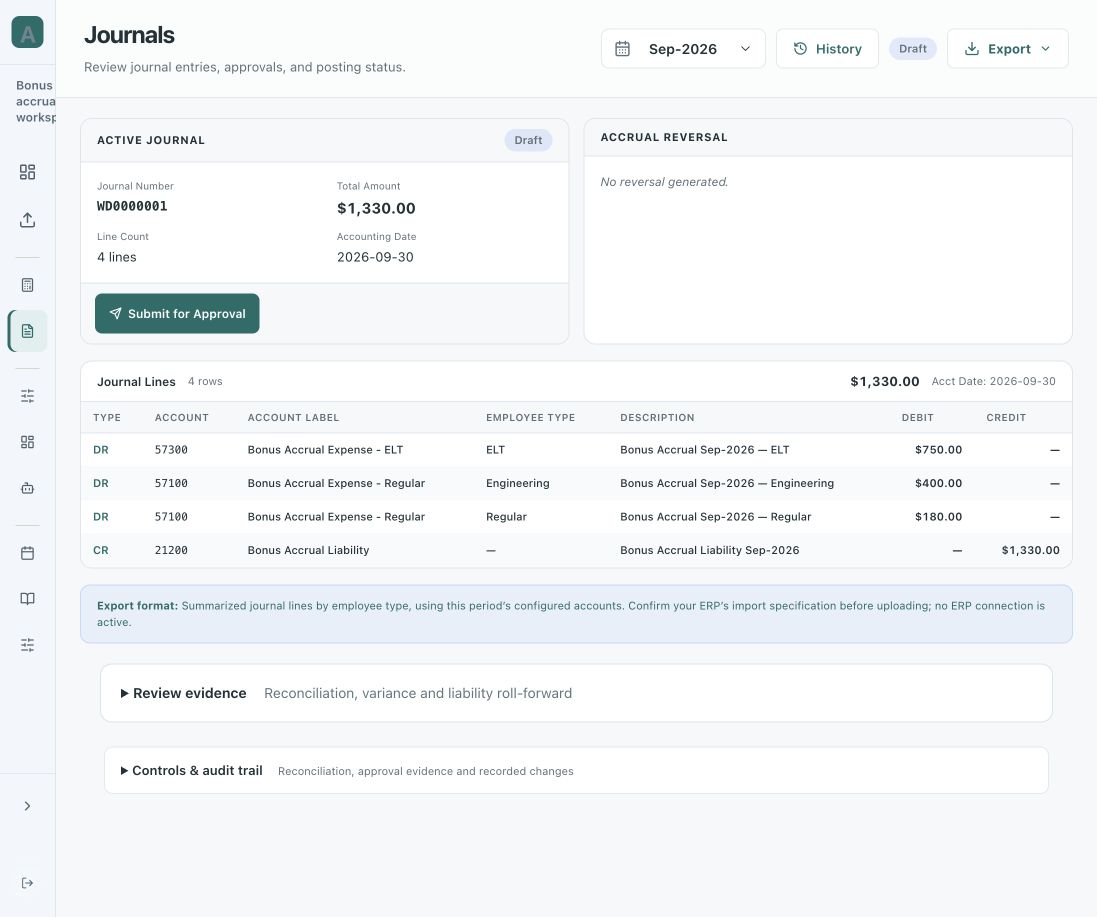
Approve and prepare the journal
Review the output, record approval, and prepare the draft journal for your ERP process. Generating a journal does not post it.
Let’s improve your next close
Show us where the spreadsheet slows you down.
Discuss your workflow and request a private preview.